Clinical records
FHIR R4 resources, care plans and questionnaires keep patient data structured and connected, with real-time updates over WebSocket Subscriptions and FHIRcast.
 OVOKby ACTIMI
OVOK · A platform by ACTIMI
Build your patient and practitioner experience on an FHIR R4 foundation. Connect supported devices, manage clinical data and add optional Signals evaluation — with the team behind ACTIMI.
 TemperatureDr. Weber°CNo alert
 Blood glucoseDr. Webermmol/LNo alert
 Heart rateSleep radarbpmNo alert
 Respiratory rateSleep radar/minAlert sent
 Sleep sessionSleep radarhNot evaluated
 Blood pressureVitalivammHgNo alert
 WeightVitalivakgNo alert

 Ramipril 5 mg08:00
Actimi network
Actimi works with the research, healthcare, and innovation organizations shown here.








OVOK · A platform by ACTIMI
Bring the platform capabilities from ACTIMI into your own product. Start with the backend and SDKs, then connect the workflows your application needs.
FHIR R4 resources, care plans and questionnaires keep patient data structured and connected, with real-time updates over WebSocket Subscriptions and FHIRcast.
Bring readings from supported medical devices and from Oura, WHOOP, Strava, Withings, Polar, Suunto and Ultrahuman accounts into a shared data foundation.
Projects, sub-projects and Access Policies define how teams work with resources and operations.
Connect appointments, video calls, tasks and patient-facing content to your application.
Use web and mobile SDKs or work directly with the APIs. Your team owns the interface and business logic.
AWS Frankfurt hosting with production plans and dedicated deployment options for larger requirements.
From remote monitoring to respiratory care and pregnancy support: explore applications featured by ACTIMI.
Features and benefits
Explore our remote patient monitoring use case, then build the web and mobile workflows your product needs with Ovok SDKs and platform services. We share new FHIR and connected- health articles on the Ovok blog as they publish.
Bring readings from devices across 800+ catalogue entries, including BP monitors, scales, pulse oximeters, glucose meters, thermometers, ECG recorders, heart-rate monitors, multi-parameter monitors, activity trackers, sleep radars and urine analysers. Explore our sleep monitoring use case and respiratory monitoring use case for related measurement workflows.
Build web apps with the React SDK and @ovok/core, or use the React Native SDK for mobile UI and integrations. Java, Python and Flutter install commands are below.
implementation("com.ovok:ovok-sdk:0.1.0")pip install ovok-sdk==0.1.0flutter pub add ovok_sdk:0.1.0 ovok_flutter:0.1.0Build on FHIR, with access policies, CMS, video calls, and FHIR questionnaires.
Explore the out-of-the-box RPM app, then build from guides for CHF monitoring, type 2 diabetes, and medication reminders.
Signals evaluates eligible vital-sign readings for enrolled patients. Enrollment is configurable. Signals is MDR Class IIa.
Connect Claude, ChatGPT, Cursor or any other MCP client to your project with one sign-in, then let it set up FHIR data, CMS content and settings through 27 named tools. Start on the Console MCP page or read the AI agents guide.
Signals in your stack
For enrolled patients, Signals results come back to your product as signed webhooks and FHIR resources. Signals is MDR Class IIa; Ovok itself is not certified.
Receive alert, episode, reading, patient and webhook-status events, with redelivery and signing-secret rotation.
Alerts are stored as DetectedIssue and episodes as Flag, and the alerting Observation gets an interpretation and reference range.
Configure Signals for each patient, switch episodes on per tenant, and use manager and submitter client apps with the Signals API.
The Ovok Console
Every project comes with the Console: explore FHIR data, follow each request, connect Signals, edit content and manage billing in one place.
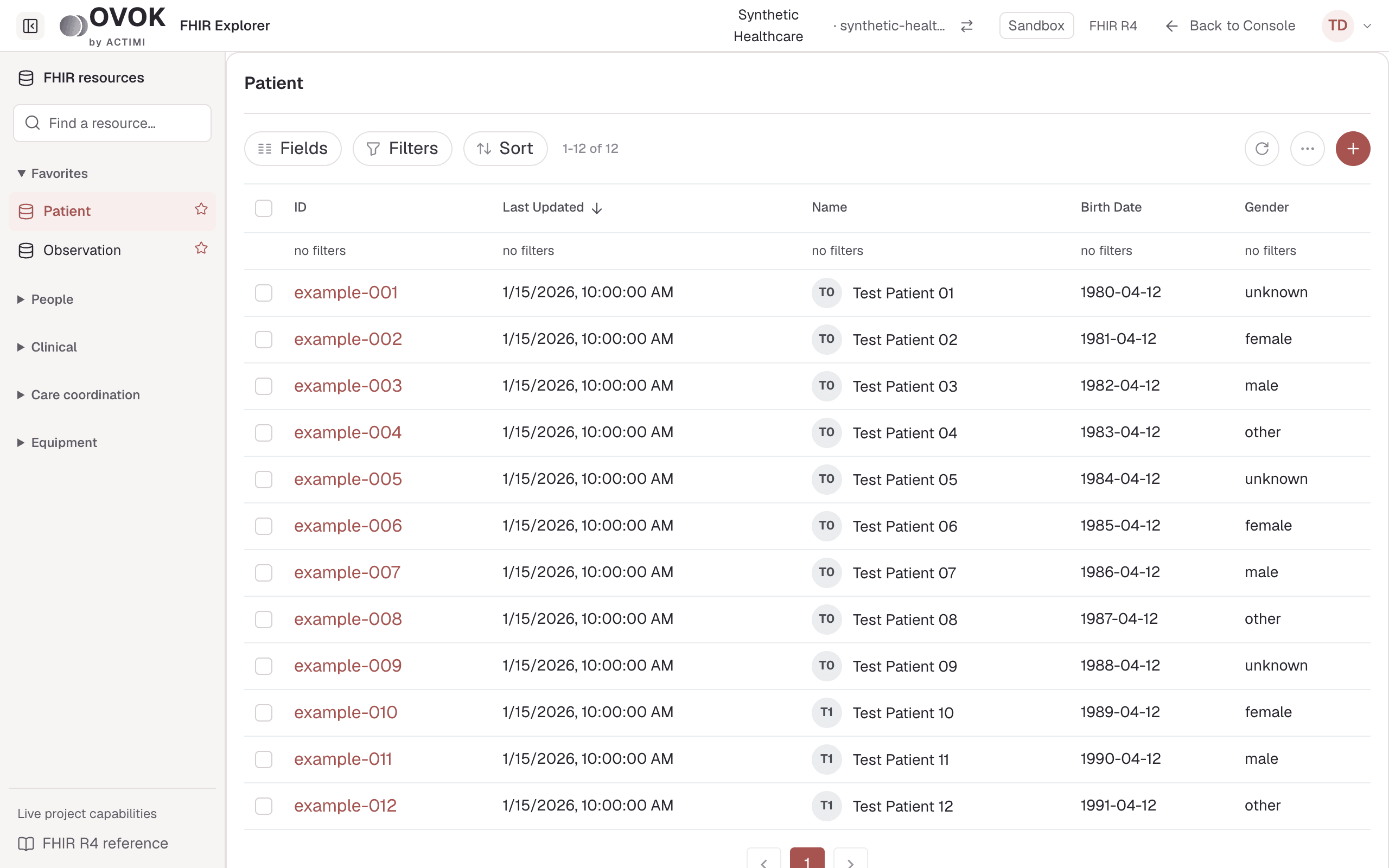
Browse, filter, edit and create resources, and read each version's history.
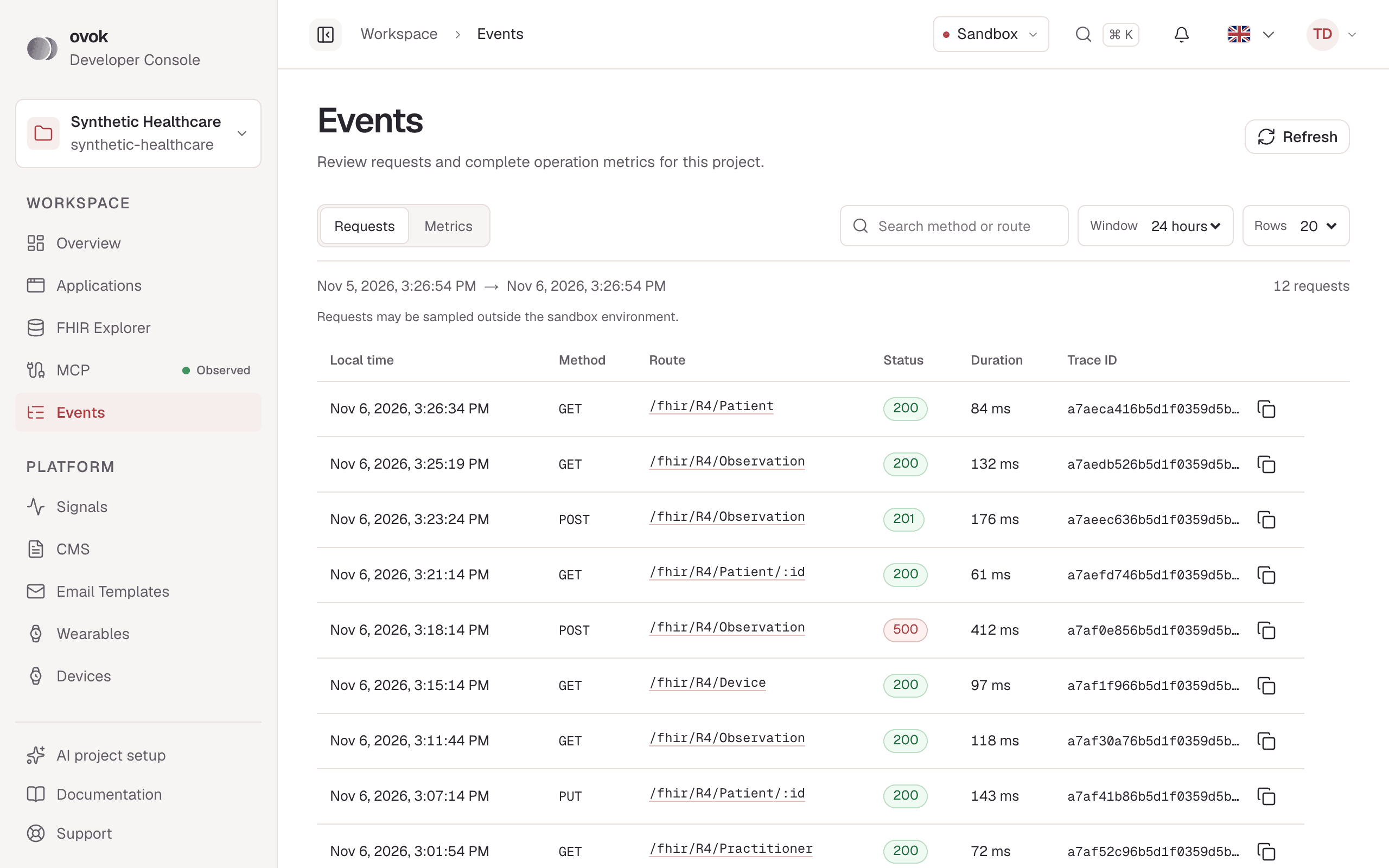
Follow every request, open its trace and compare operation metrics.
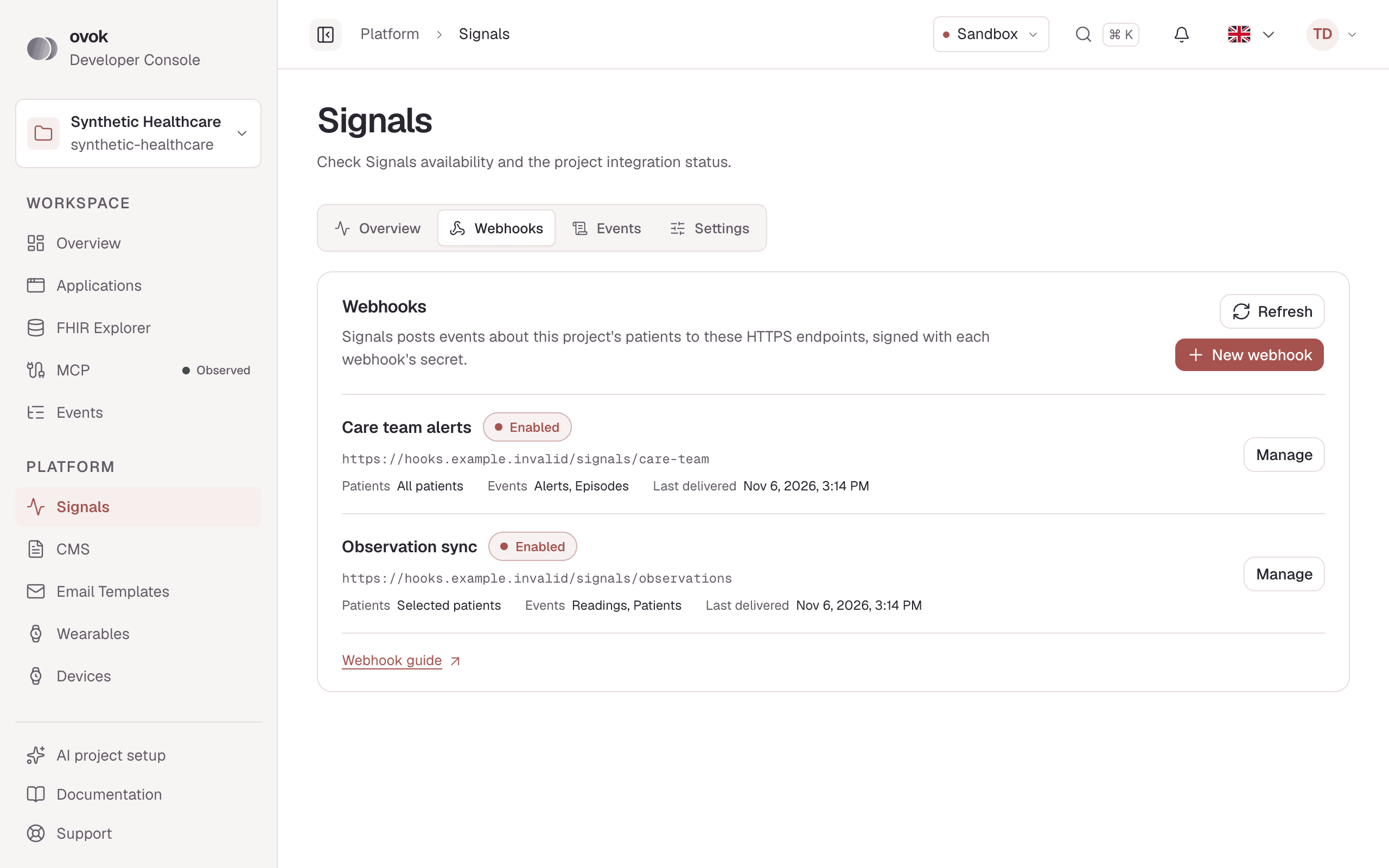
Add webhook subscribers, choose their events and rotate signing secrets.
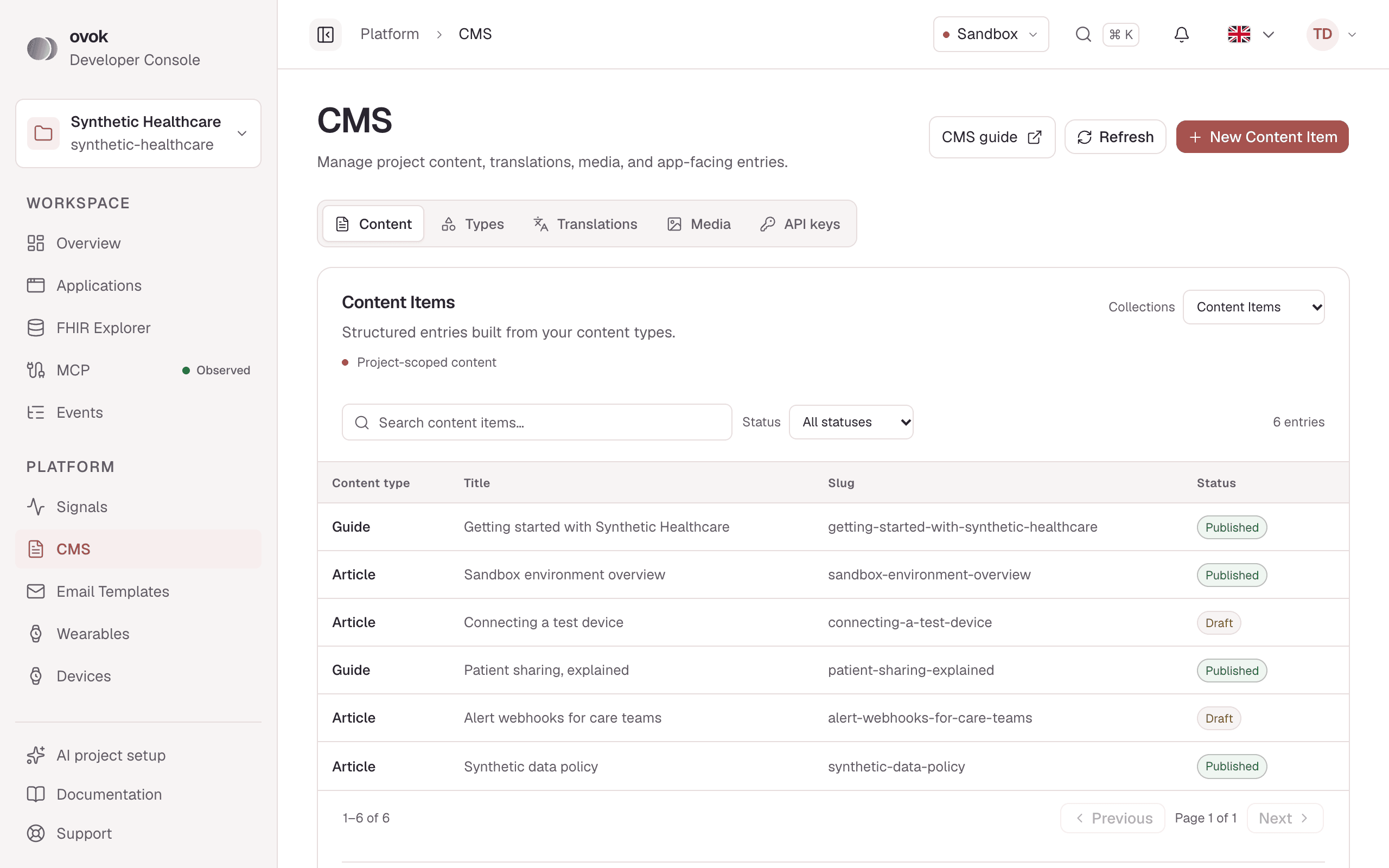
Edit content, content types, translations, media and CMS API keys.
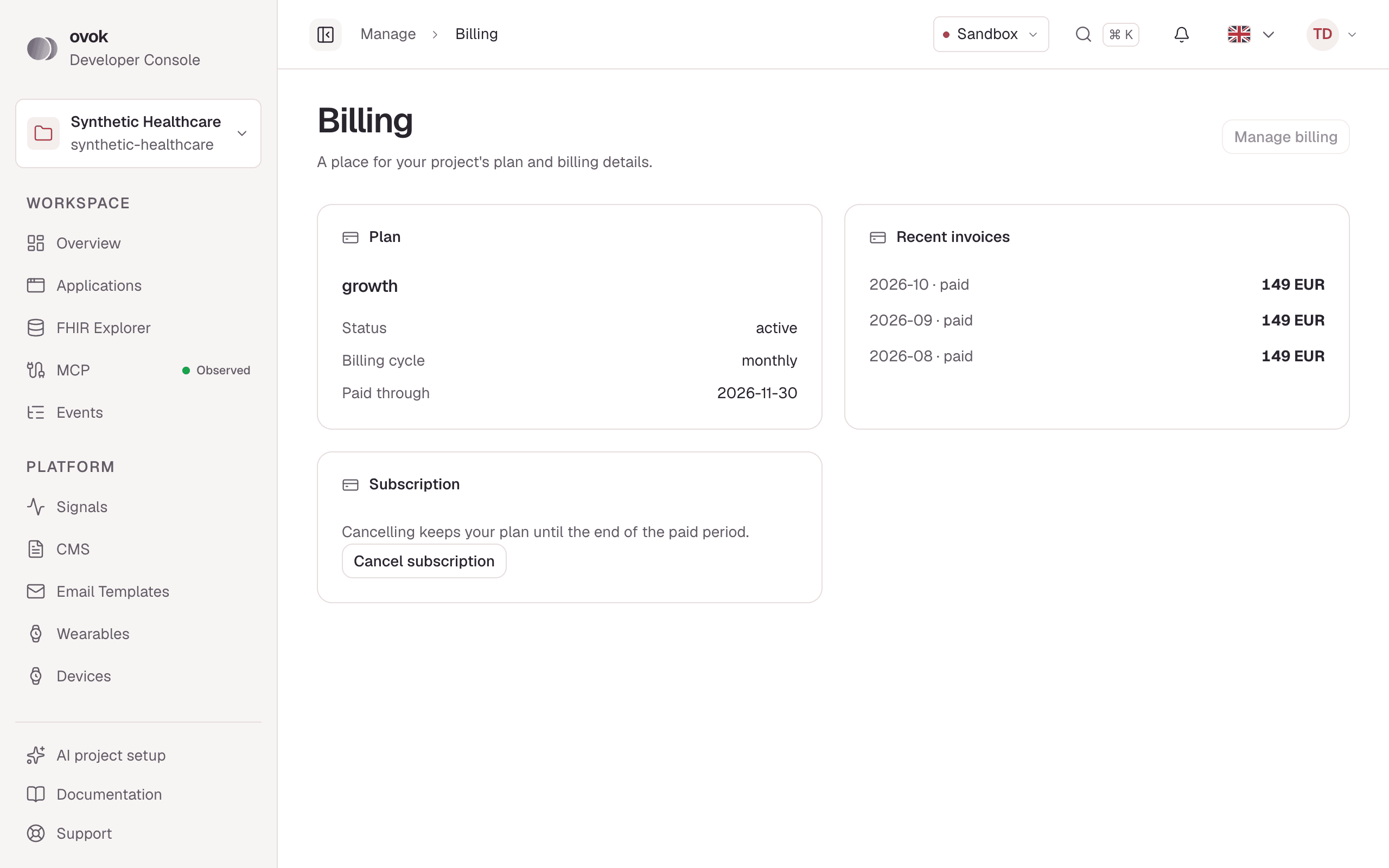
Track usage, change plans and review invoices.
For product teams and care providers
Start with the FHIR and device infrastructure for digital-health startups, explore the platform for growing teams in our scaleup solution, or review the details for an enterprise deployment.
Evaluate the FHIR foundation and supported device data hands-on in the Developer sandbox.
Explore startup solutionsBuild on supported measurements and Signals as your remote monitoring product grows.
Explore scaleup solutionsReview Frankfurt hosting, per-patient pricing, and commercial terms with Actimi.
Explore enterprise solutionsHealthcare ecosystem
Status labels distinguish available capabilities, documented implementation guidance, and roadmap work. Project capabilities and app-specific integrations still matter.
FHIR references cover lab orders and results; check your project’s CapabilityStatement for enabled interactions. The docs describe resource patterns, not a ready-made lab connector.
The medication guide covers plans, adherence, and local reminders. Ovok provides medication resources; your app schedules device notifications.
Patient billing and RCM APIs are not available today. Billing support is deferred until a developer contract exists; no delivery date is published.
FHIR R4 APIs are available. The interactions enabled for your project are listed in its CapabilityStatement.
Build with the React, React Native, Java, Python or Flutter SDK. Optional native imports let apps include only the integrations they need.
The LiveKit video-call API is documented. Scheduling, imaging, CRM, and other external systems need app-specific integrations.
Pricing is per monitored patient. Review per-patient pricing and plan details; every paid plan includes a data processing agreement.
For trying the sandbox
Custom contract and Signals terms